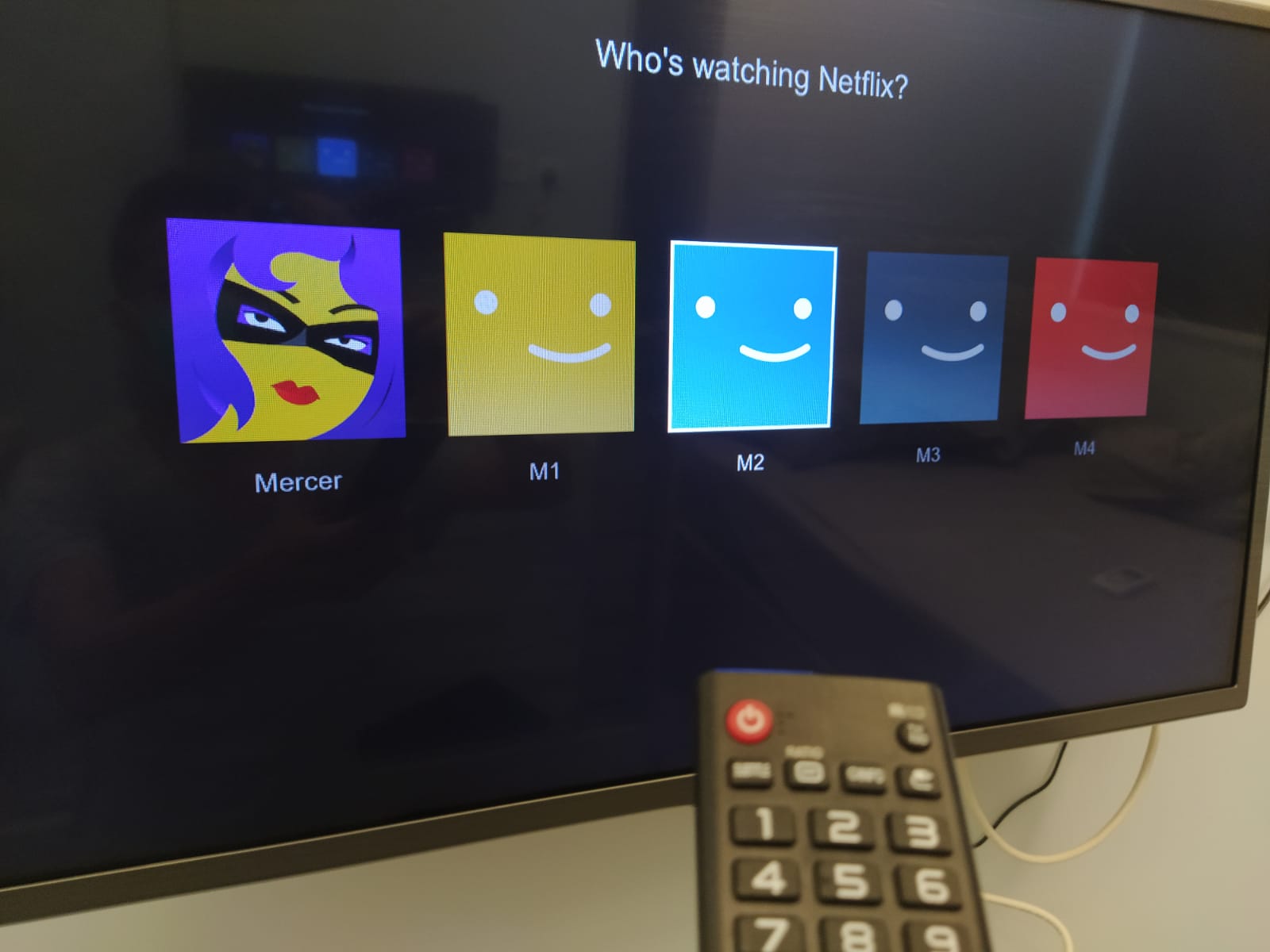
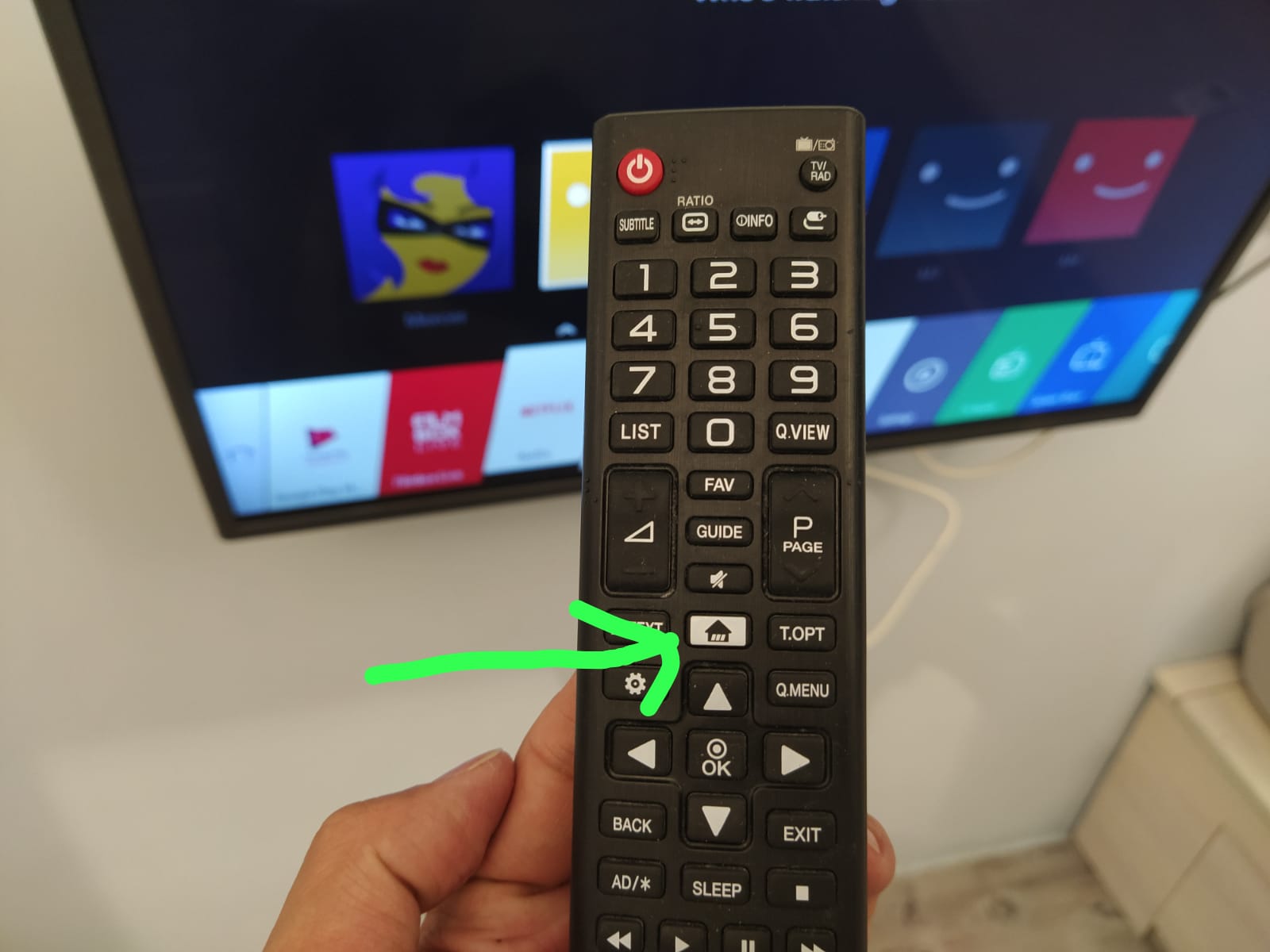
 2. Then will have this pop up menu comes out on screen
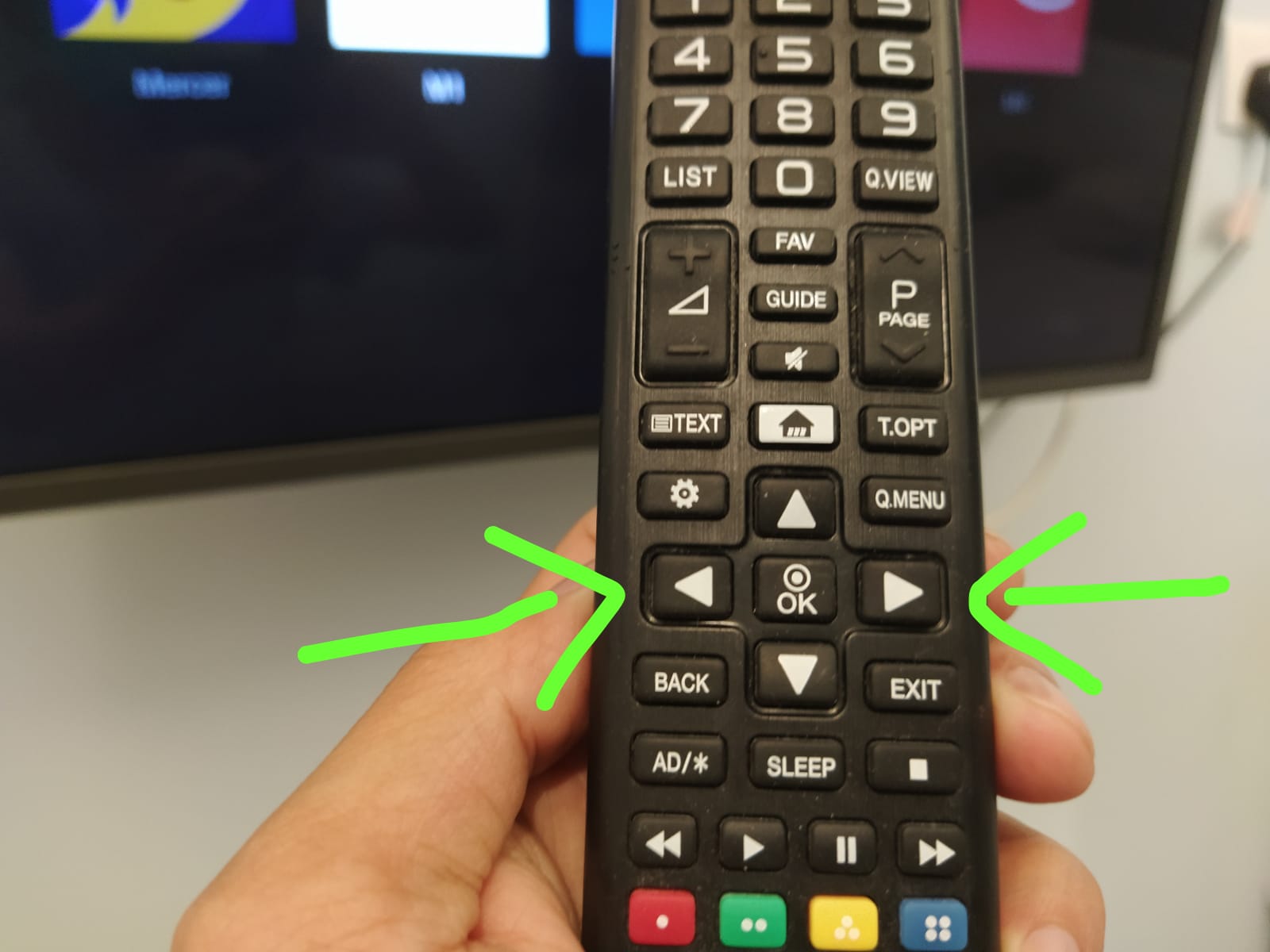
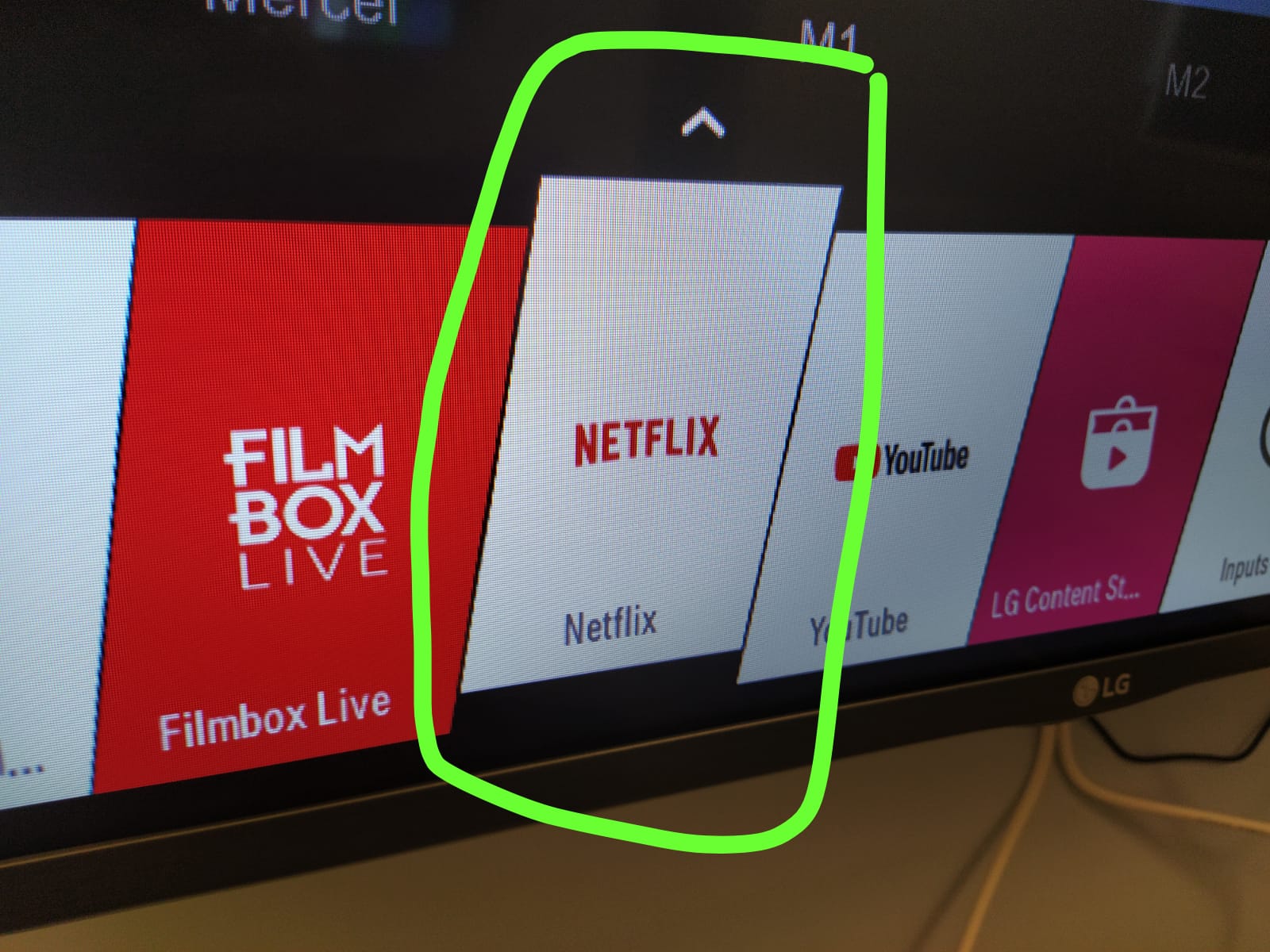
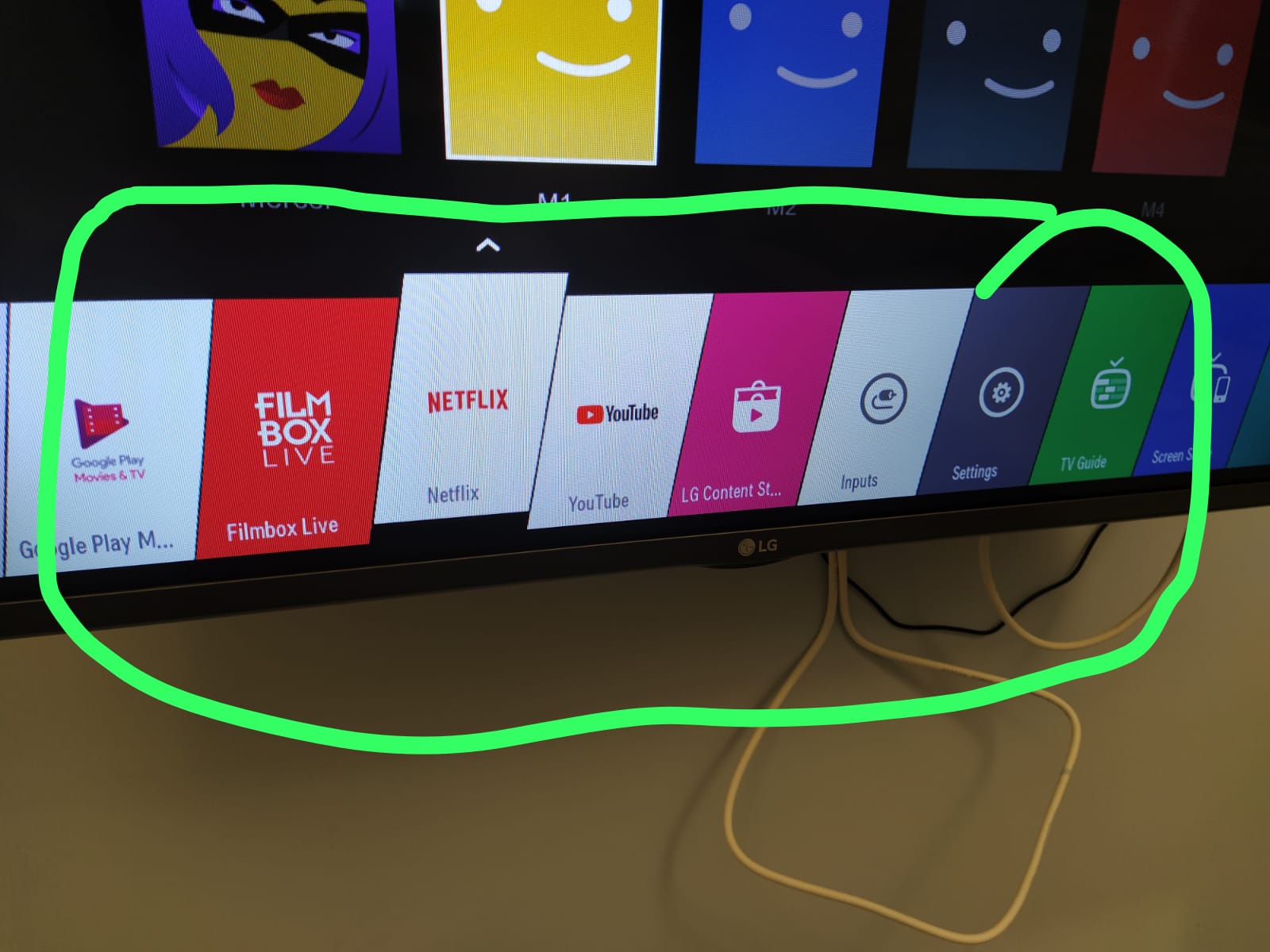 3. Then press the left or right arrow to move the menu to Netflix
 4. Chose Netflix icon
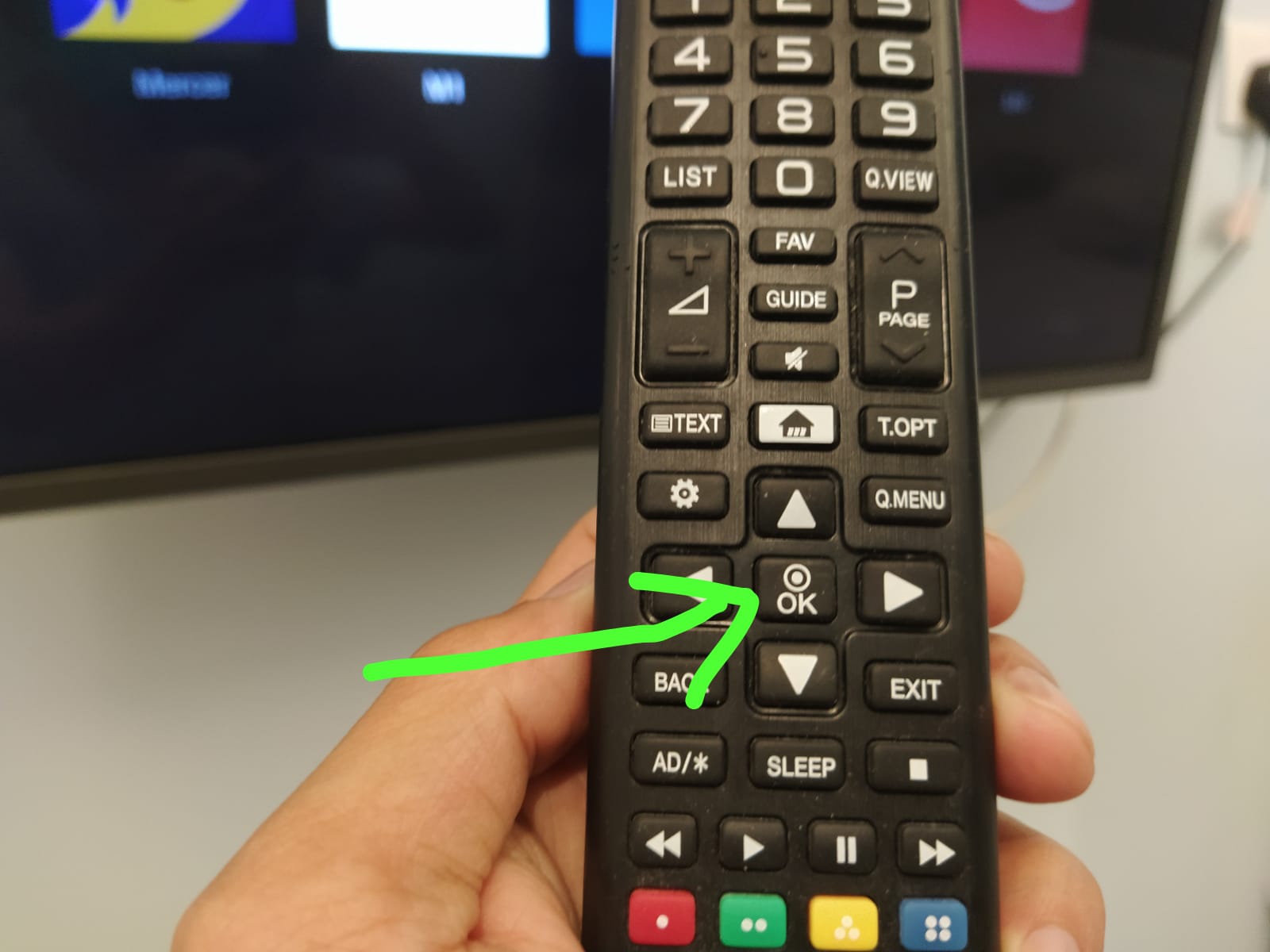
 5. Then press OK to confirm
 6. Then choose the one Netflix acct belongs to the tenants apt unit. Like M1B by chosing M1